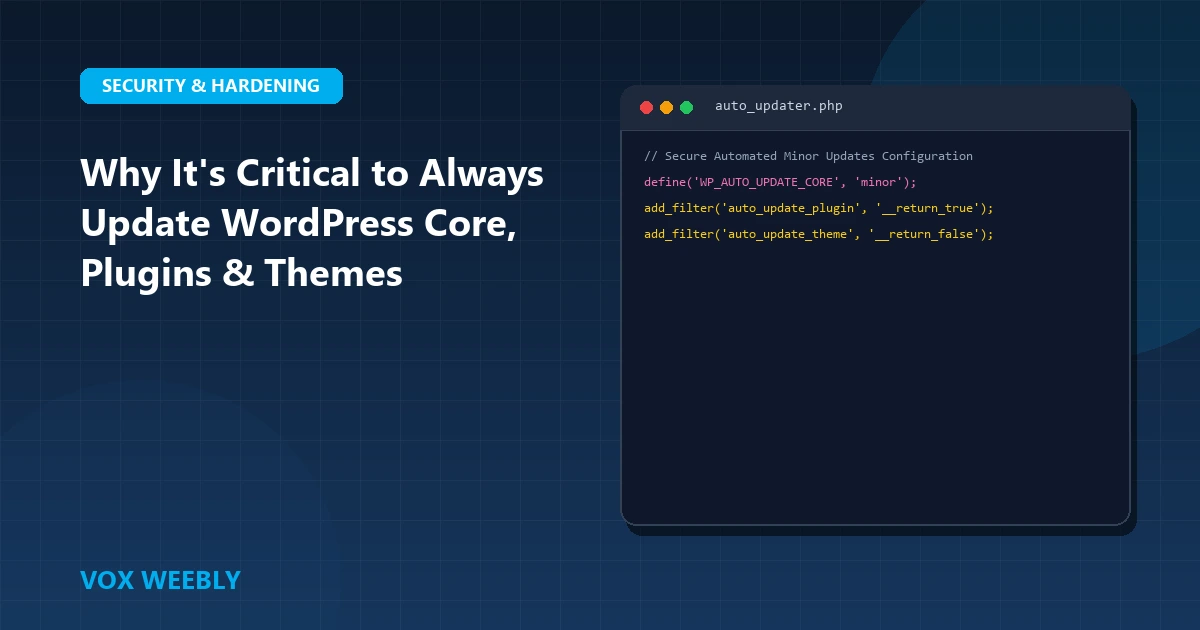
Postponing WordPress updates is one of the most perilous security habits a website owner can develop. While the apprehension of “breaking something” causes many administrators to delay updating core, themes, and plugins, running outdated software leaves your digital infrastructure wide open to automated botnets, zero-day CVE exploits, and database hijacking. In fact, over 85% of hacked WordPress websites are breached through known vulnerabilities in outdated plugins and themes. In this comprehensive technical guide, we break down why continuous updates are essential for enterprise security, speed, and API compatibility.
1. Closing Known Security CVEs and Exploit Vectors
WordPress is open-source software. When core engineers or ethical security researchers discover a vulnerability, a public security advisory is published detailing the Common Vulnerabilities and Exposures (CVE) identifier. While this transparency protects the community, it also notifies malicious threat actors exactly how to exploit unpatched systems.
Automated crawler networks continuously scan millions of IP addresses searching for websites running outdated plugin versions with known SQL injection (SQLi) or Remote Code Execution (RCE) flaws. Discover how automated botnets operate in our deep-dive on defending WordPress against AI automated scanners. For official community vulnerability notices, review the WordPress Official Security Release Logs.
2. Speed and PHP Runtime Optimization Gains
Each major WordPress core update introduces significant architectural performance enhancements. Recent versions have refined block rendering caches, streamlined database query loops, and cut script parsing overhead by up to 25%. Furthermore, updating core ensures full compatibility with modern PHP 8.2 and 8.3 runtimes, which process dynamic requests more than twice as fast as legacy PHP 7.4. For asset-level acceleration, review our guide on disabling lazy loading for critical hero images.
3. Restoring Modern Browser & REST API Compatibility
Web standards evolve rapidly. Modern browsers frequently deprecate outdated JavaScript APIs, modify cookie security requirements, and introduce strict privacy controls. If your themes or plugins rely on deprecated jQuery libraries or unencrypted HTTP calls, forms will stop submitting and user checkouts will break. Ensure your server enforces modern security standards with our guide to implementing HTTP security headers in WordPress.
4. Gaining Advanced Site Editing & Gutenberg Features
Beyond security, updates unlock powerful new design capabilities—including fluid typography, modular block patterns, and global styling tokens. By keeping your site updated, your content team can construct visually compelling landing pages without third-party bloated page builders. Learn about custom theme design in our guide on building bespoke WordPress themes.
5. The 4-Step Risk-Free Update Protocol
Follow this bulletproof maintenance routine to update without fear of downtime:
- Full Off-Site Backup: Always take a complete snapshot of both your database and
wp-contentdirectory before updating. - Use a Child Theme: Never add custom PHP or CSS directly to parent themes; always isolate code in a child theme as described in our guide on how to create a WordPress child theme.
- Staging Clone Testing: Apply updates on a staging server first and test core transactions.
- Monitor Error Logs: Inspect
/wp-content/debug.logimmediately after updating to catch minor warnings before they escalate into fatal crashes. If you ever encounter an update crash, follow our guide on fixing fatal errors after updating WordPress.
Conclusion
In conclusion, mastering why it’s important to always update your wordpress core, plugins, and theme is essential for building a resilient, high-performing WordPress website. By implementing the architectural best practices and configurations covered in this guide, you ensure your platform maintains peak performance, bulletproof security, and seamless user experiences.
Continuously auditing your server configurations, monitoring error logs, and adhering to clean development standards will keep your site reliable as your business scales. Investing in high-performance hosting and modern engineering prevents costly downtime and maximizes your digital investment.
At Vox Weebly, we understand the importance of a fast, secure, and custom-engineered WordPress website, and our team of senior developers can help you build, optimize, and maintain your web platform for maximum performance. Contact us today to learn more about our custom WordPress website development services.
6. Frequently Asked Questions (FAQ)
Should I enable automatic updates for all plugins?
For minor security releases and trusted utilities, automatic updates are recommended. However, for complex plugins like WooCommerce, Advanced Custom Fields Pro, or custom payment gateways, updates should be applied manually after staging verification.
What should I do if an update breaks my database?
If a failed update triggers database connection errors, refer to our step-by-step tutorial on how to fix ‘Error Establishing a Database Connection’ in WordPress.
Semantic Versioning and Core Release Schedules Explained
WordPress follows strict Semantic Versioning (SemVer) conventions to help site owners evaluate update risk:
- Major Releases (e.g., 6.4 to 6.5): Released 2 to 3 times per year, introducing major architectural overhauls, database schema enhancements, and new Gutenberg design capabilities.
- Minor Security & Maintenance Releases (e.g., 6.4.1 to 6.4.2): Deployed rapidly to patch critical zero-day CVE flaws and resolve regression bugs. These releases are 100% backwards-compatible and should always be applied immediately.
Review the comprehensive release schedule and technical roadmap on the WordPress Core Engineering Release Cycle Handbook.
Automated Staging Clones and CI/CD Pipelines
Modern digital agencies never perform updates manually on production servers. By connecting GitHub repositories to automated staging environments, developers run automated visual regression tests (using tools like Playwright or BackstopJS) to confirm that updates do not shift typography, break checkout forms, or cause unexpected layout bugs before merging to live production.
Dependency Management with Composer for WordPress
In enterprise engineering workflows, managing theme and plugin updates through Composer provides automated version pinning, reproducible staging environments, and seamless Git version tracking. By declaring plugin versions inside a composer.json manifest, teams can run automated security vulnerability scans via Dependabot before deploying updates to production servers.
Proactive Security Audits & Vulnerability Disclosures
In addition to core updates, regular security audits ensure that third-party integrations maintain compliance with modern cryptographic standards. By continuously updating plugins and themes, site owners eliminate deprecated code paths, safeguard sensitive customer data, and maintain high trust ratings across search engine crawlers and security scanners.