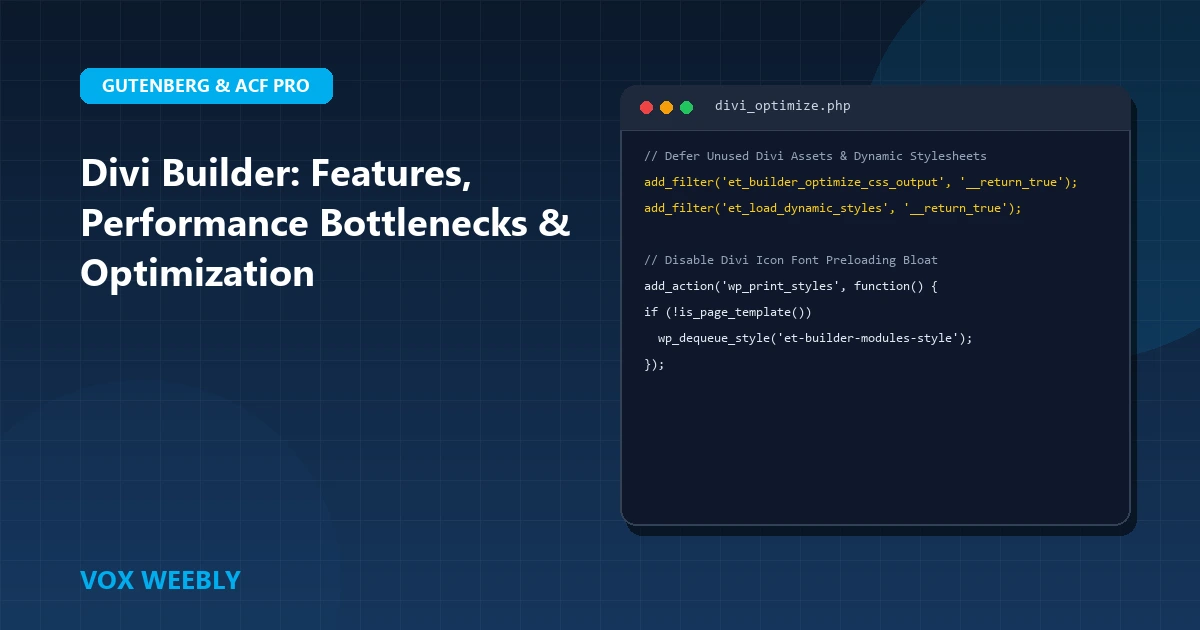
Divi Builder by Elegant Themes remains one of the most widely deployed visual design frameworks in the WordPress ecosystem. Featuring a real-time front-end visual editor, extensive pre-built layout packs, and an advanced Theme Builder engine, Divi empowers digital creators, entrepreneurs, and agencies to craft bespoke web experiences without writing complex CSS stylesheets. In this comprehensive technical guide, we explore the core architecture of Divi Builder, workflow shortcuts, performance optimization strategies, and best practices to keep your Divi website fast, secure, and easily maintainable.
1. Understanding the Divi Visual Architecture
Divi organizes content into a strict, intuitive hierarchical container model consisting of three distinct visual building blocks:
- Sections (Blue/Purple): The outermost structural wrappers that span the full viewport width. Regular sections hold standard rows, while Specialty Sections allow sidebar layouts alongside complex multi-row grids.
- Rows (Green): Located inside sections, rows define column geometry (such as 1/2 + 1/2, 1/3 + 1/3 + 1/3, or 1/4 + 3/4).
- Modules (Dark Gray): The content-producing components that reside inside columns—including Text, Blurbs, Buttons, Sliders, Contact Forms, and WooCommerce elements.
By leveraging Divi’s Global Modules and Presets, you can update a button color or typography scale in one place and have it cascade instantly across hundreds of published pages. To compare Divi’s module hierarchy with rival page builders, read our technical breakdown on Elementor vs Divi Builder.
2. Mastering the Global Divi Theme Builder
Divi’s Theme Builder revolutionized visual WordPress development by abstracting template files out of PHP and into visual canvas templates. Located under Divi > Theme Builder in your WordPress dashboard, you can build universal rules for:
- Default Website Template: Defines your global header, global footer, and default body container across the entire website.
- Single Post Templates: Dynamically injects the Post Title, Post Content, Featured Image, Author Bio, and Published Date using native dynamic tokens.
- Custom Taxonomy Archives: Generates uniform category archive pages with automated pagination.
For custom development that requires zero builder dependencies, explore our architectural tutorial on building a custom WordPress theme from scratch.
3. Speed Optimization Tactics for Divi Websites
Historically, Divi received criticism for heavy CSS footprints and sluggish server response times. However, Elegant Themes introduced massive performance overhauls that drastically accelerate load times when properly configured:
- Dynamic CSS & Dynamic JavaScript: Under Divi > Theme Options > Performance, ensure Dynamic CSS and Dynamic JavaScript are enabled so Divi only loads scripts for modules actually used on the page.
- Critical CSS Generation: Enable Critical CSS to inline above-the-fold styles and defer the remaining stylesheet.
- Disable Unused Icons: Toggle off unused icon sets to reduce CSS font payload by over 100KB.
Furthermore, ensure you prioritize above-the-fold hero rendering by following our guide on disabling native lazy loading on hero images. For official optimization guidelines, refer to the Elegant Themes Official Divi Documentation.
4. Fluid Responsive Controls & Breakpoint Customization
Every single spacing margin, padding value, font size, and transform property inside Divi includes dedicated Desktop, Tablet, and Mobile tabs. Hover over any design setting, click the mobile device icon, and input tailored values for mobile viewports. Divi also allows you to hide specific heavy sections or background videos completely on mobile devices to conserve visitor bandwidth.
5. Origin Hardening & Script Delivery for Divi
Because visual builders introduce dynamic builder endpoints, securing your WordPress admin and REST API against malicious bot assaults is critical. Guard against automated crawlers by reviewing our engineering guide on protecting WordPress against AI automated vulnerability scanners, and ensure your origin server enforces strict transport security with our guide on adding HTTP security headers in WordPress.
Conclusion
In conclusion, mastering divi builder: the ultimate tool for building stunning websites is essential for building a resilient, high-performing WordPress website. By implementing the architectural best practices and configurations covered in this guide, you ensure your platform maintains peak performance, bulletproof security, and seamless user experiences.
Continuously auditing your server configurations, monitoring error logs, and adhering to clean development standards will keep your site reliable as your business scales. Investing in high-performance hosting and modern engineering prevents costly downtime and maximizes your digital investment.
At Vox Weebly, we understand the importance of a fast, secure, and custom-engineered WordPress website, and our team of senior developers can help you build, optimize, and maintain your web platform for maximum performance. Contact us today to learn more about our custom WordPress website development services.
6. Frequently Asked Questions (FAQ)
Can I use the Divi Builder plugin with another theme?
Yes. Elegant Themes provides the standalone Divi Builder plugin, allowing you to use its drag-and-drop visual interface alongside third-party themes like Astra, GeneratePress, or custom child themes.
How do I resolve memory exhaustion errors when editing with Divi?
Divi requires at least 128MB of memory to execute smoothly. We recommend defining WP_MEMORY_LIMIT = '256M' inside wp-config.php. If you encounter common WordPress errors or white screens, check out our diagnostic walkthrough on fixing common WordPress errors.
Custom CSS Classes and Advanced Module Styling Techniques
While Divi’s visual interface allows you to tweak colors and typography via graphical sliders, professional web development often demands bespoke CSS overrides. Every Divi Section, Row, and Module includes an Advanced tab with dedicated fields for Custom CSS Classes, CSS IDs, and granular element selectors (such as Before, Main Element, and After pseudo-elements).
By declaring reusable CSS utility classes inside your child theme’s style.css (such as .vox-card-glow or .vox-hero-gradient), you can apply sophisticated styling rules to any Divi module with a single class name, bypassing cumbersome inline style duplication. For official developer guidelines on theme custom styling, visit the WordPress Developer Stylesheet Guide.
Split Testing and Conversion Rate Optimization (CRO)
One of Divi’s most underutilized enterprise capabilities is Divi Leads, a built-in split testing engine. With Divi Leads, you can test competing headline variations, call-to-action button colors, and hero image banners simultaneously. Divi automatically calculates statistical significance and tracks conversion rates directly inside your dashboard.